AI that handles your data entry

We know that manual data entry takes time away from the trips themselves.

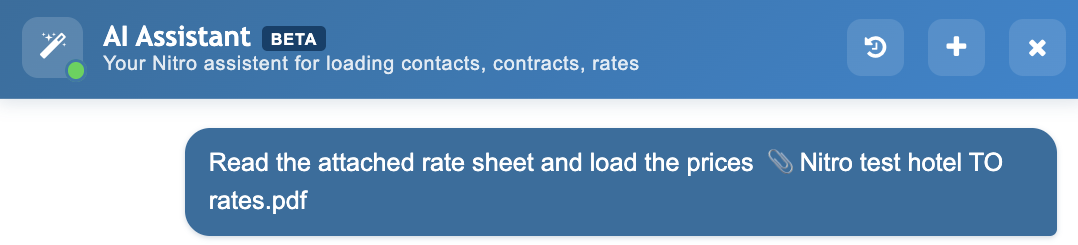
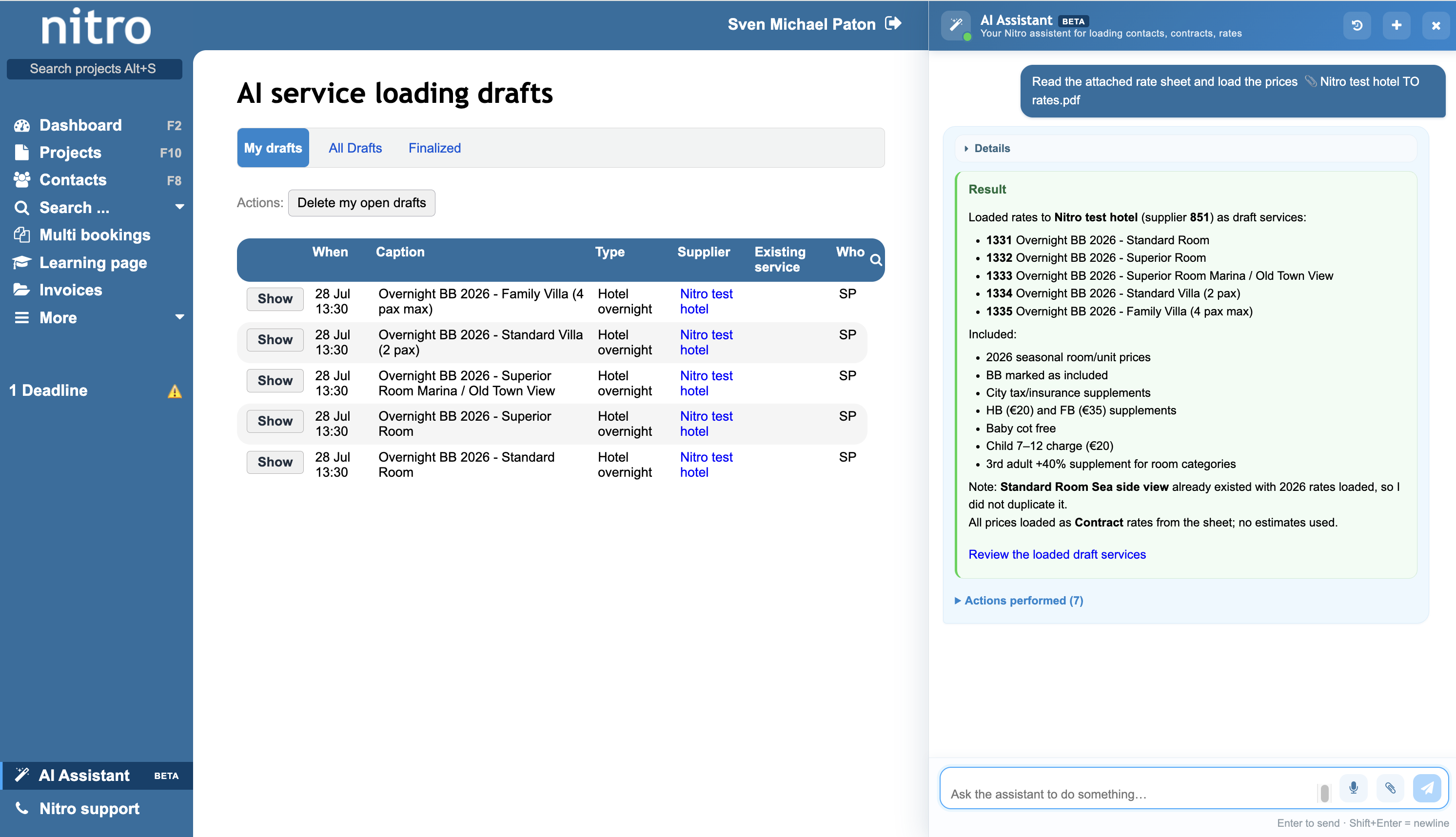
Nitro’s built-in AI assistant handles that part for you. Upload a supplier rate sheet directly into Nitro, and the AI reads it, interprets the pricing structure, and loads the rates into your system. You review and confirm.

Rate loading is where we started. Wherever repetitive data entry is slowing your team down, that’s where we’re looking next.
What it handles today:

  • Loading rates from supplier sheets
  • Searching your supplier database
  • Adding new supplier contacts

Load rates from any supplier sheet

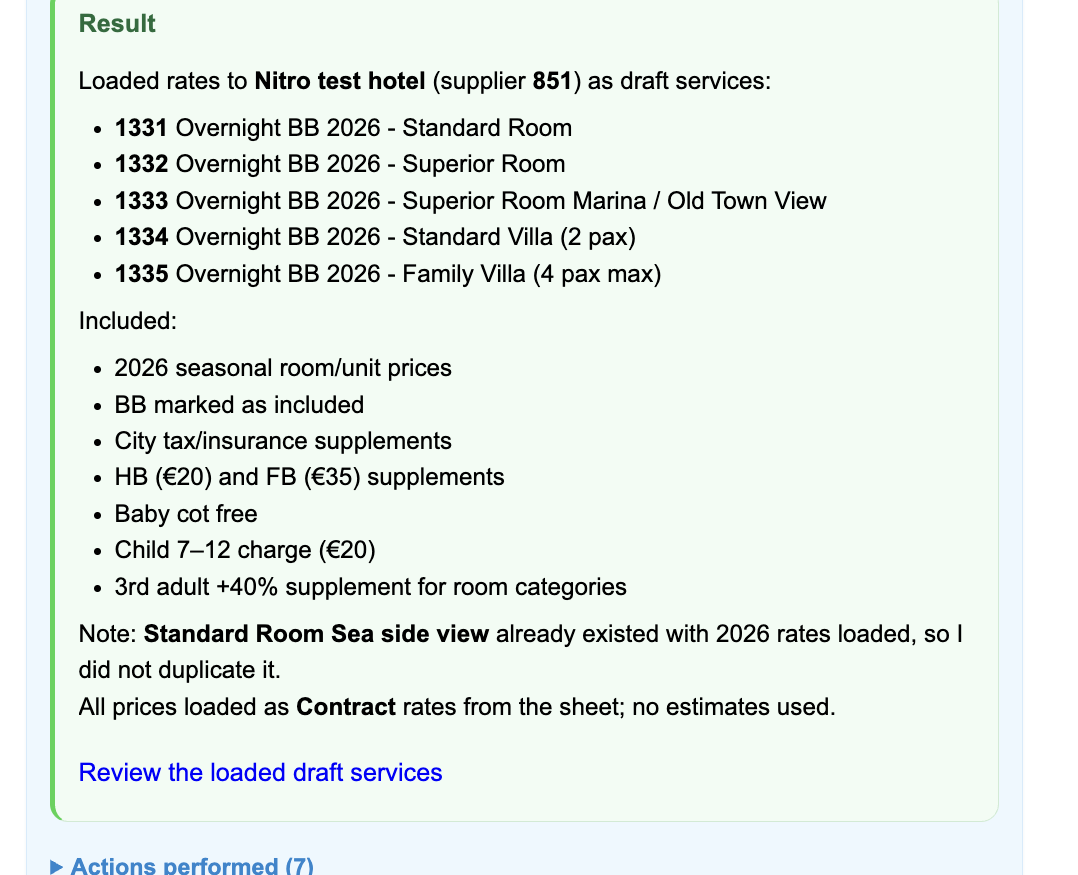
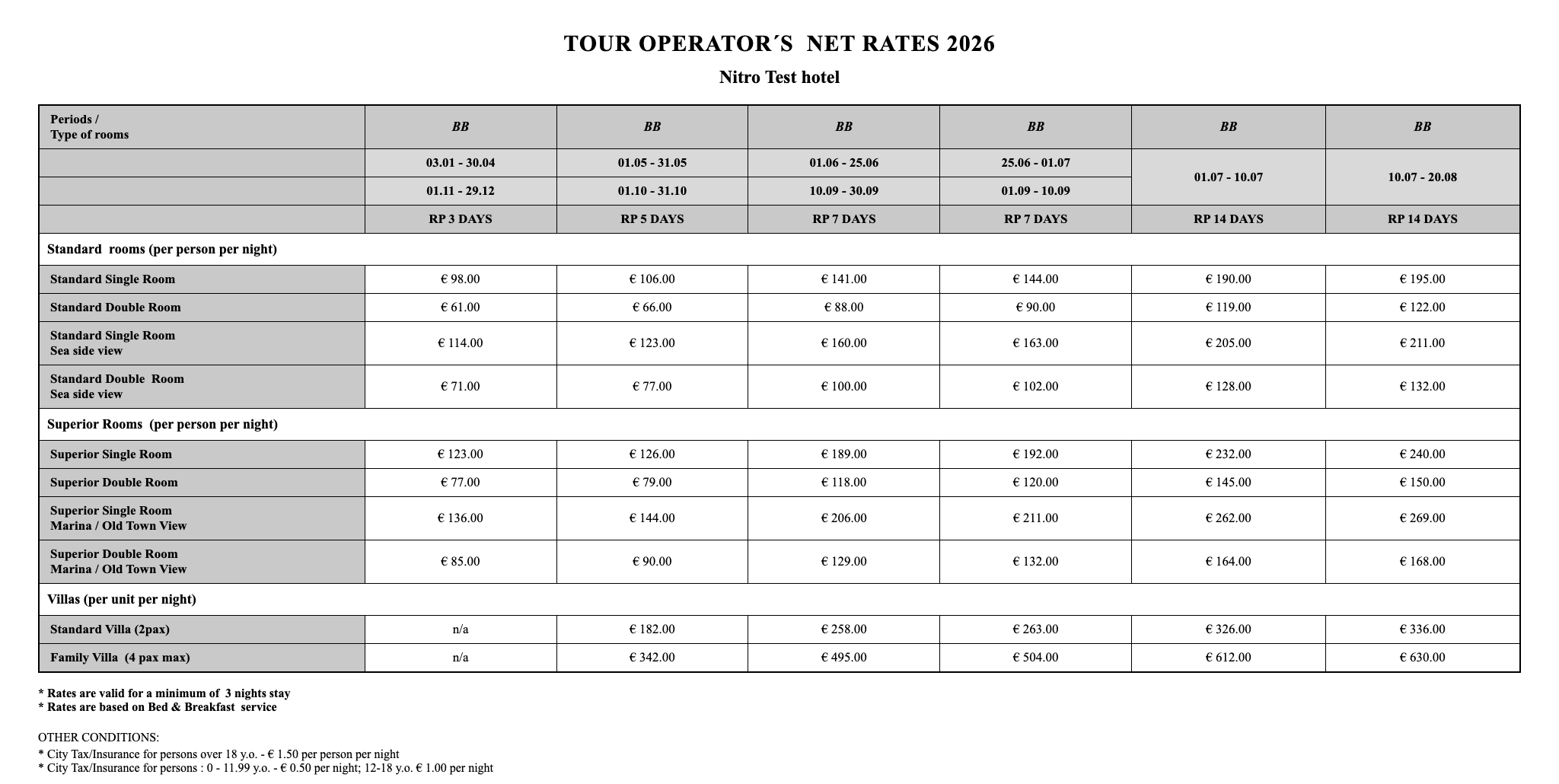
Upload a supplier rate sheet into Nitro’s AI chat and the AI reads it, interprets the pricing structure, and loads the rates as drafts. You review and confirm before anything is committed to the system.

How it works

01

Upload

Drop in the rate sheet. PDF, Excel, or Word. No conversion needed.

02

The AI reads it

The AI scans the document, identifies the pricing structure, and maps each rate to the right field in Nitro.

03

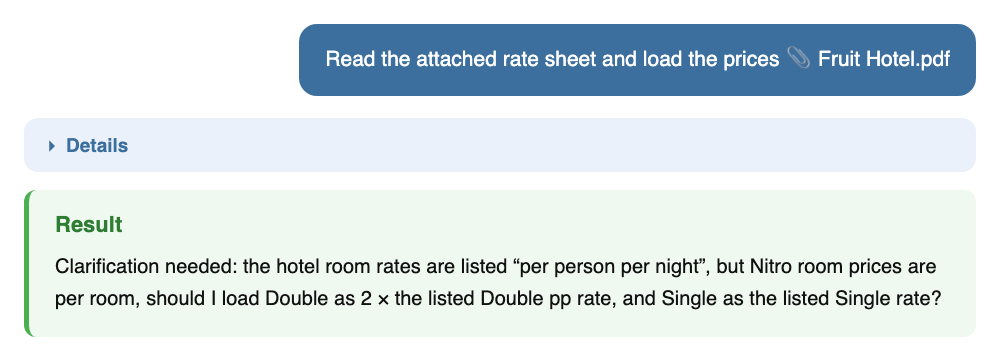
It asks if needed

If anything in the document is unclear or ambiguous, the AI will ask you a quick question before it continues. Nothing gets guessed at.

04

You review

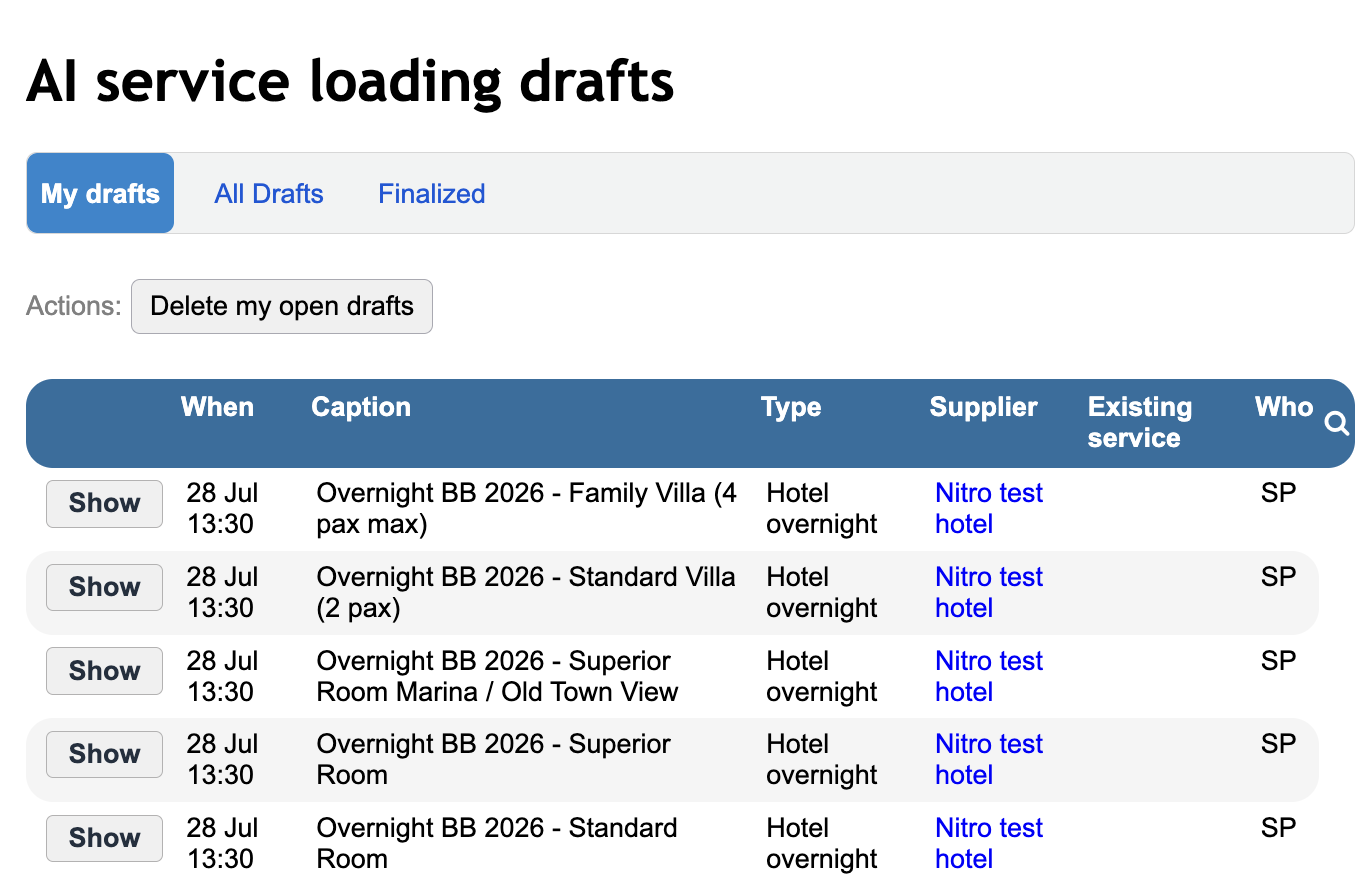
Every entry comes up for your approval. Check the figures, correct anything that looks off, skip what doesn’t apply.

05

Confirm and load

Approve the batch and the rates land in your system. Nothing saves before you say so.

Search your supplier database in plain language

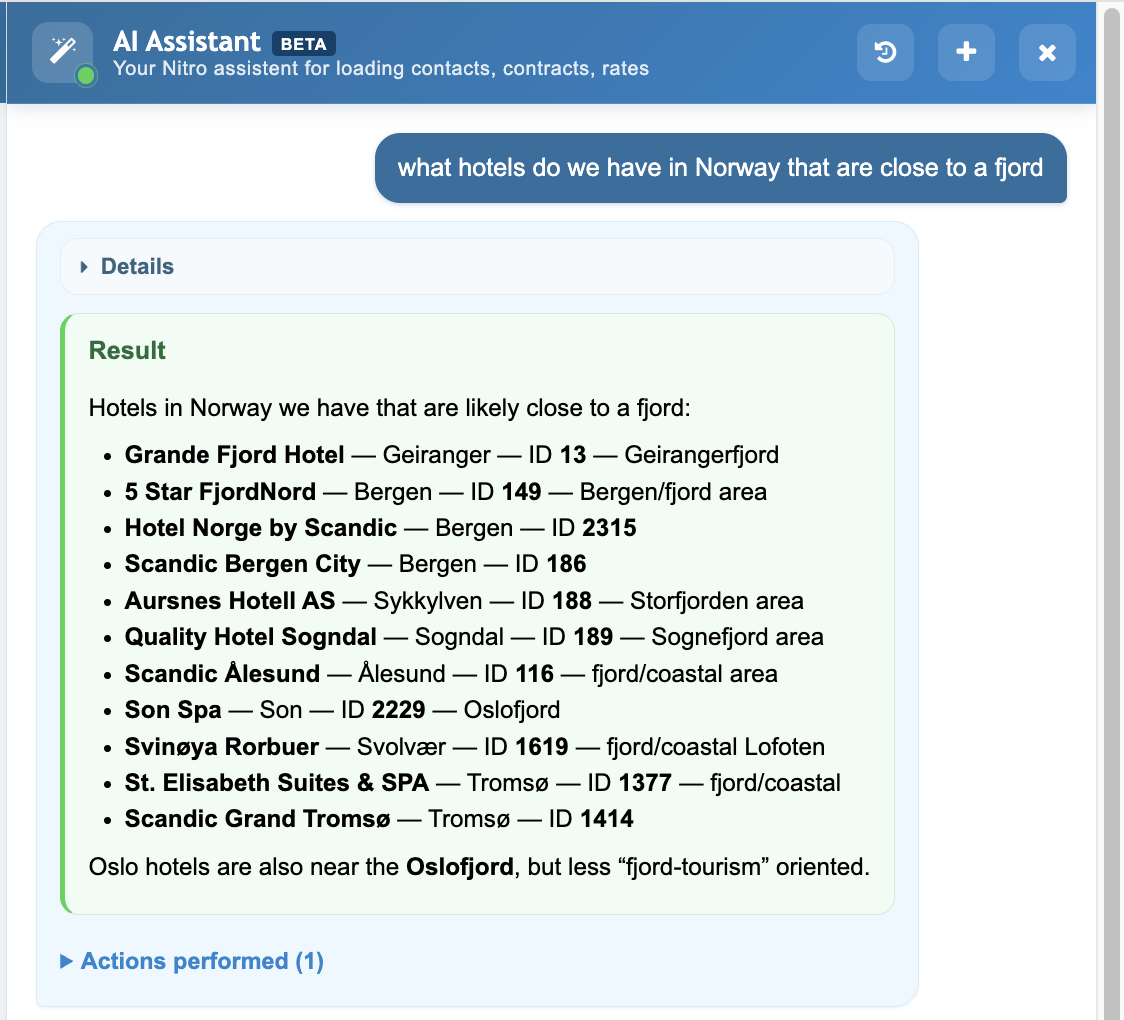
Ask the AI about your own data and get an immediate answer. Looking for hotels near a fjord, suppliers of a specific type, or contacts in a region? Type the question and the AI searches your database and returns what you need.

Add new suppliers in seconds

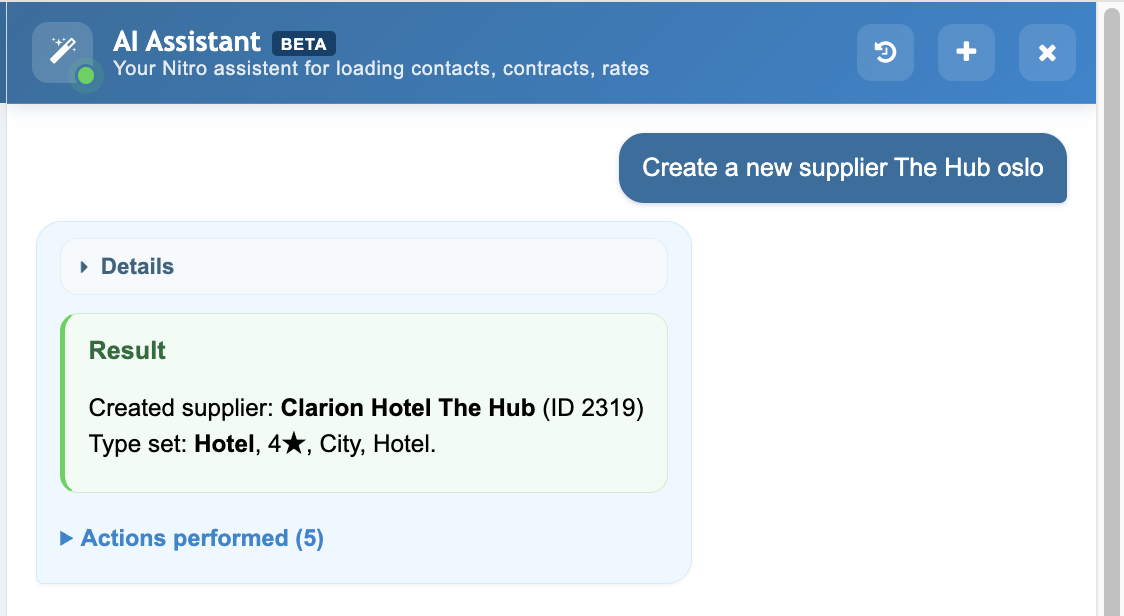
Type a supplier name and the AI creates the contact, sets the type, and fills in what it can find. What used to take several manual steps takes one message.

Frequently asked questions

What file formats can I upload?
PDF, Excel, and Word. Most supplier rate sheets come in one of these, so there's no need to convert anything first.
How accurate is it?
It depends on how clearly the source document is structured. We're continuously refining the process and testing across different models as the technology develops. That's also why every output goes through a review step before anything is saved.
Which AI model does it use?
Currently OpenAI, but we're not tied to a single provider. We test across models and switch when something performs better for this specific task.
Does my document get stored anywhere?
No. The file is read, the information is extracted and transferred into your Nitro system, and the document itself is not stored on our servers.
Can the AI change or delete existing data?
No. The AI can only propose new entries. It cannot modify, overwrite, or delete anything already in your system.
Does it work with all suppliers?
Yes. The AI reads the document structure rather than looking for a specific template, so it works with rate sheets from any supplier. Documents with unusual or inconsistent layouts may need a closer review, which is what the confirmation step is there for.

Take a closer look