
Beautiful offers and digital itineraries

Building a quote used to mean digging through rate sheets, copying numbers across and reformatting everything for each new client.

In Nitro, your quote becomes a branded website offer your client opens from a link, a PDF they can keep, or a full day-by-day itinerary, ready to send in under two minutes. Nitro generates it automatically from the quote you built, so nothing is retyped and prices, services and days always match.

Some call it a proposal, an online quote or a digital itinerary. Your client simply sees their trip, with your name on it.
Beautiful offers for every kind of client

Nitro lets you send whatever format works best for your company and your client. A polished website offer (the proposal or digital itinerary your client opens from a link) or a branded PDF for clients who expect a visual experience. A clean plain-text email when speed matters more than presentation. Or a full itinerary with timing, contacts, and service details.

Your style, your client’s preference.

Send it your way:

  • Digital itinerary as a website offer, or a branded PDF
  • Clean plain-text email
  • Full itinerary with timing and contacts

More examples:

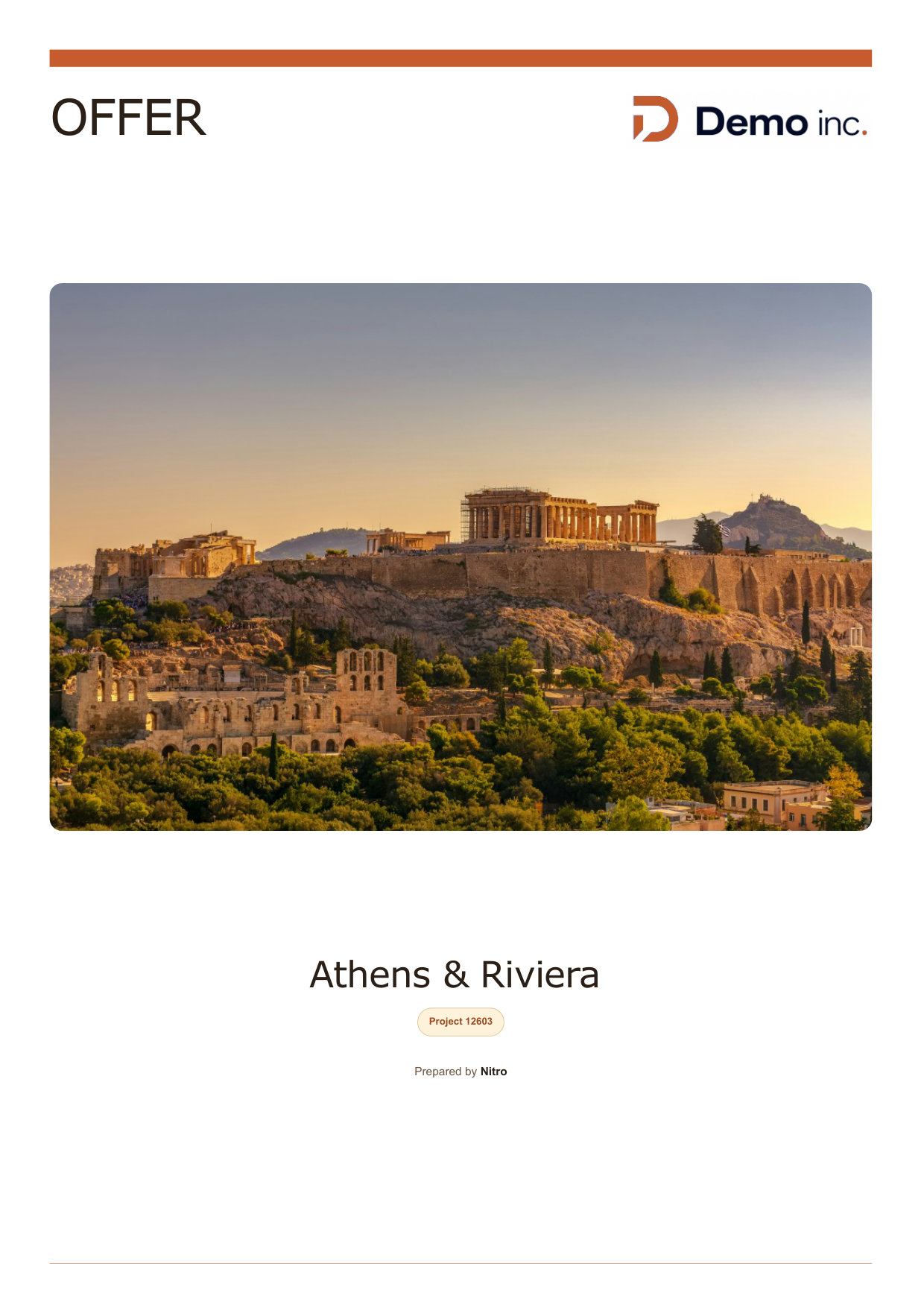
PDF offer cover page for Athens and the Riviera, branded with the tour operator logo
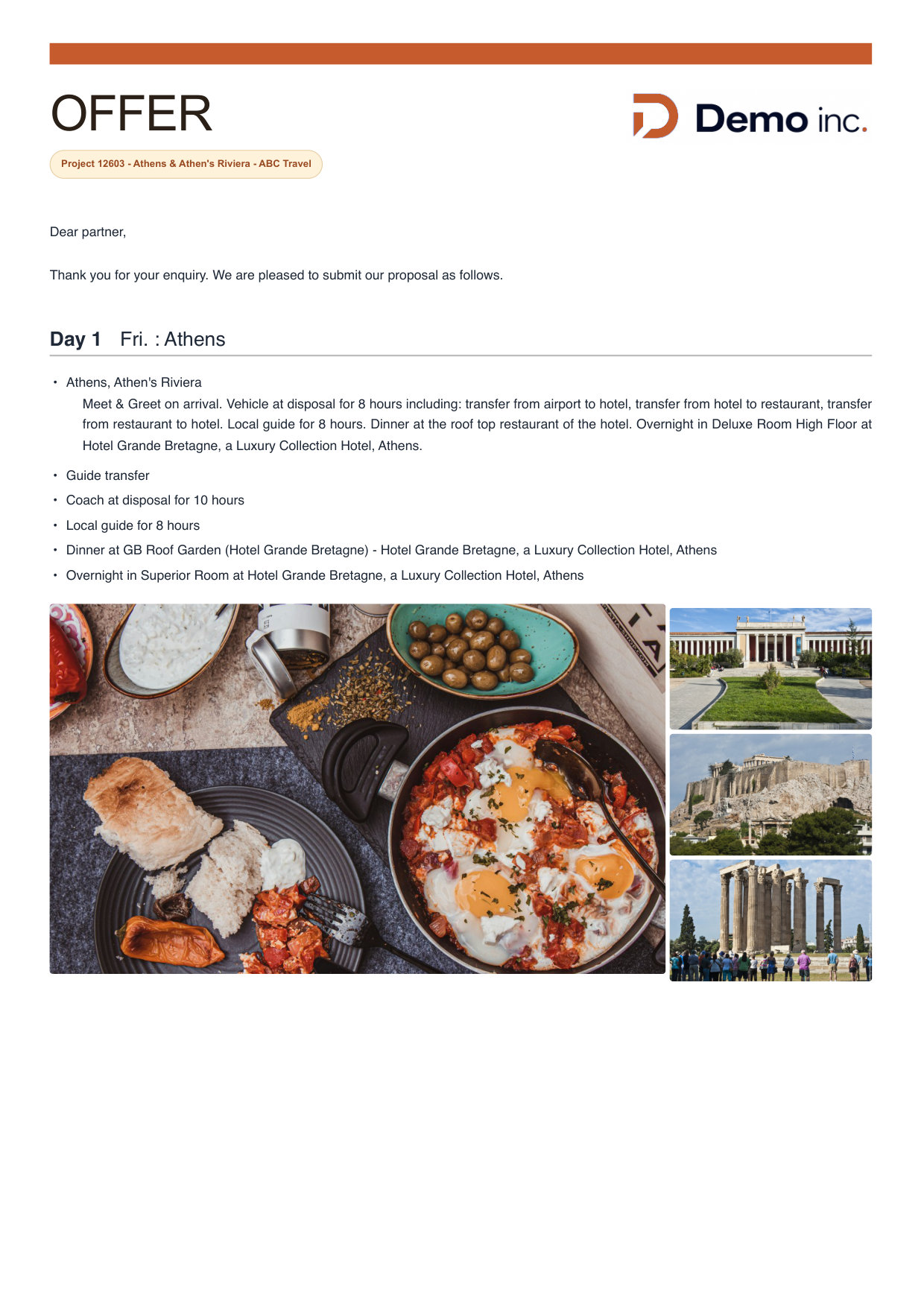
PDF offer day 1 page with the programme and photos of Athens

A branded PDF proposal to keep

Prefer a document? The same offer goes out as a branded PDF: a cover page with your logo and a hero photo, then the full day-by-day programme with descriptions and images, followed by the price and your terms.

It is generated from the quote, ready to attach to an email or print. The example below also shows how it was made and what else Nitro does.

One quote, every format

Build the quote once, yourself or with Nitro AI straight from your client’s email. Nitro turns it into every format your client needs, with the same prices, services and days in each one. Nothing is retyped, every offer looks the same whoever on your team builds it, and you can still edit the website offer before you send it.

Your quote in Nitro

Athens & Riviera

ABC Travel
7 guests, 3 days
Hotel, coach, guide, dinners

Built by you or by Nitro AI →

Website offer

A link your client opens in any browser

PDF offer

To attach, print or keep offline

Plain-text email

All the details, for quick replies

Full itinerary

Timing, contacts and service notes

Made for every kind of trip

From quote to offer in three steps

A complete, professional offer in under two minutes, without leaving Nitro.

01

Select your services

Choose from your loaded suppliers and services, or let Nitro AI build the programme from your client’s email. Nitro shows only what is relevant to the trip, so the screen stays clean however large your database is.

02

Set the pricing

Pull from your pre-loaded rates or enter figures directly. Margins apply according to your settings, so there is no recalculating by hand and no switching between tabs.

03

Send the offer

Review the figures, adjust anything that needs it and send it as a website offer, a PDF or a plain-text email. Consistently formatted, every time.

Proposals and digital itineraries: your questions answered

Does Nitro create digital itineraries?

Yes. Every offer in Nitro can go out as a website offer: a link your client opens in the browser, with your branding, your photos and the full day-by-day programme. Some call it a digital itinerary, a web itinerary or a web guide. In Nitro it is the same offer you priced, ready to send.

Can I send my quote as an online proposal?

Yes. In Nitro this is called a website offer: your quote turned into a branded web page your client opens from a link, with your photos, the day-by-day programme and the price. Others call the same thing a web proposal, an online quote or a digital offer.

Do I have to retype the itinerary from my quote?

No. The website offer, the PDF and the itinerary are generated automatically from the quote you built in Nitro, so prices, services and days always match.

Are my margins applied automatically?

Yes. Margins apply according to your settings, so the prices in every offer are calculated for you and never recalculated by hand.

Which formats can I send?

Three, all from the same quote: a website offer your client opens from a link, a branded PDF to attach or print, and a plain-text email for quick replies.

Does my client need to download an app?

No. There is nothing to install. The offer opens from a link, and the PDF covers clients who want a copy on their own device.

Can I put my own branding on it?

Yes. Your branding and photos appear on the website offer and on the PDF, so every itinerary looks like it came from you.

Can AI build the quote and offer for me?

Yes. Paste your client’s email or describe the trip, and Nitro AI builds the programme day by day and prices it from your own contracts. Every line waits as a draft until you approve it, then you send it as a website offer, a PDF or a plain-text email. See how building trips with AI works.

Can I edit the offer after it is generated?

Yes. Open the website offer in Nitro and edit it before you send it, for example to add a personal note or adjust a description for this client.

Can I send the itinerary in my client's language?

Yes. Offers and itineraries can be sent in your client’s language.

What does a full itinerary include?

Day-by-day timing, supplier contacts and service notes, so your client has everything they need before the trip starts.

Book a free demo and we will build one of your own trips in Nitro, then send it as a website offer and a PDF while you watch. You see exactly what your clients would receive, before you change anything.

Not ready for a call? Get the PDF example first.

Take a closer look